
YouTube Transcript Generator
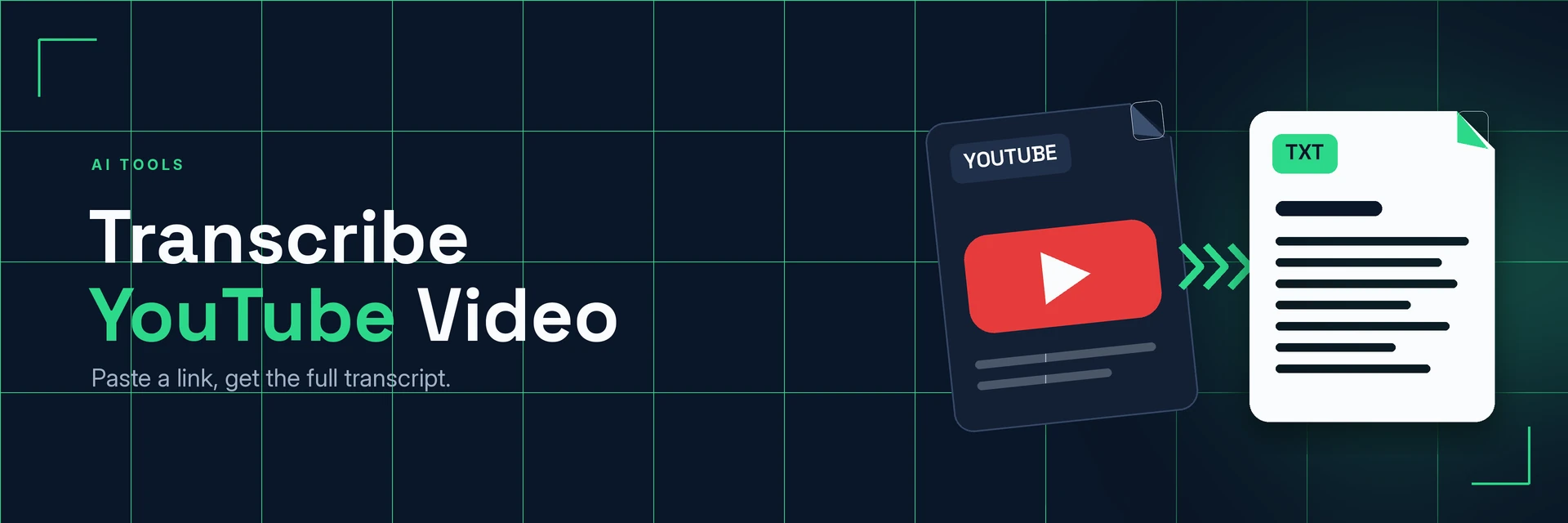
King Docs turns a YouTube video into a written transcript from its link, so you can read, search and quote what is said without downloading the video first. It works in your browser with no software to install. It's free to start, with paid plans for more.
- Free to start
- No software to install
- Works in your browser
Online tool coming soon
This tool isn't available on the site yet.
Why transcribe YouTube videos?
Videos are great to watch but hard to skim. Here's what changes when you have the words in writing.
Skim, search and quote
A transcript lets you get to the part you need without watching the whole video.
- Skim first. Read through a long talk or tutorial to find the useful parts.
- Quote exact words. Copy what was said for notes, articles and reports.
- Reuse your own videos. Turn your channel's videos into blog posts and captions.
What is a YouTube transcript?
A YouTube transcript is the spoken content of a video written out as text. You start from the video's link, so there is no file to download first. Use it for your own videos or personal study, and respect creators' rights when you reuse their words.
What you can do with Transcribe YouTube Video
Practical ways to use your YouTube transcripts.
1. Turn your videos into blog posts
Reuse what you have said on your channel as written content.
- Write posts from tutorials
- Create show notes for episodes
- Add transcripts to video pages
2. Study from lectures and talks
Make notes from educational videos.
- Search a lecture for key terms
- Turn talks into revision notes
- Translate notes into another language
3. Research and reference videos
Pull exact quotes and points from interviews and talks.
- Quote interviews in articles
- Check what was said in a speech
- Have the video file? Upload it instead
4. Make your channel more accessible
Use transcripts as a base for captions and summaries.
- Draft captions for your own videos
- Write video descriptions
- Podcast audio? Use the audio tool
Why King Docs
One place for every document.
Works in your browser
Use King Docs from any device with a web browser. There's nothing to download or install.
Every document tool in one place
Convert, compress, merge, split, sign and transcribe PDFs, images, audio and video without switching sites.
Free to start, with paid plans
Try the tools for free, then choose a paid plan when you need more.
Transcribe YouTube Video FAQs
How do I transcribe a YouTube video?
Paste the YouTube video link into the King Docs Transcribe YouTube Video tool, start the transcription, then download your text. The online tool on this page is coming soon.
Is Transcribe YouTube Video free?
King Docs is free to start, with paid plans for more.
Do I need to install any software?
No. King Docs runs in your web browser, so there is nothing to download or install.
Can I transcribe someone else's YouTube video?
You can transcribe videos for personal notes and study. If you plan to publish or reuse someone else's words, check you have the creator's permission and follow YouTube's terms.
Can I transcribe a video file instead of a link?
Yes. Use Transcribe Video to Text to upload a video file from your device.
Related tools
More ways to work with video, audio and text.
Ready to transcribe a YouTube video?
Turn a YouTube link into text in a few clicks, then explore the rest of the King Docs toolkit.