
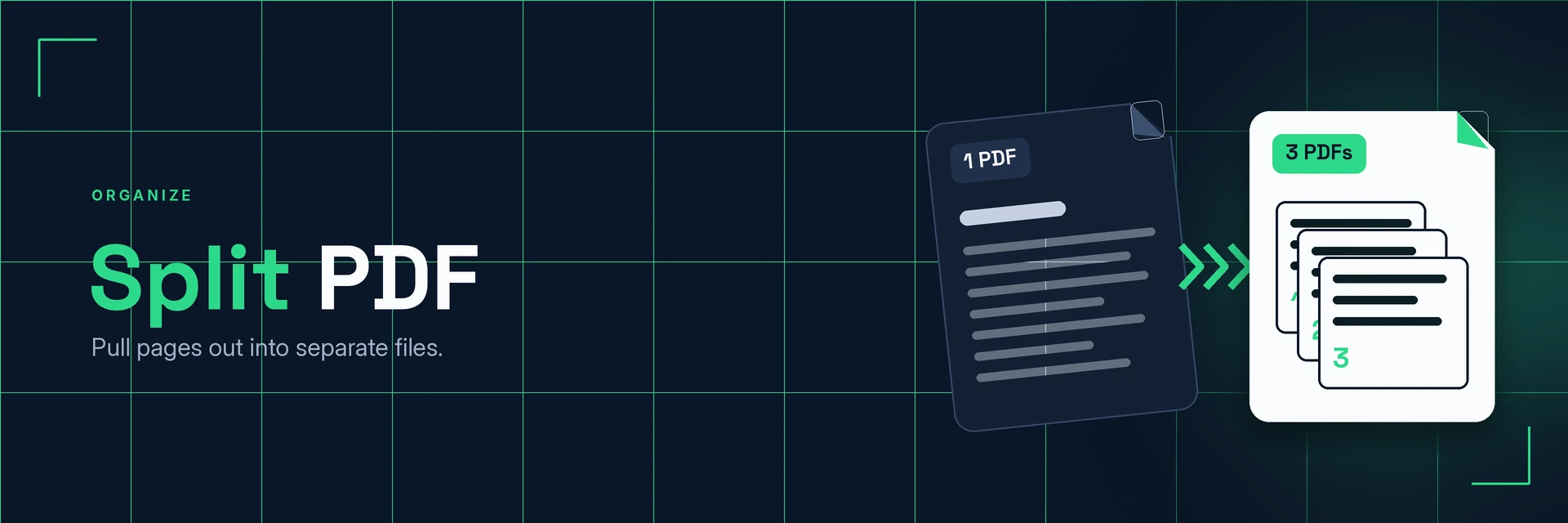
Split PDF Files
King Docs splits a PDF into separate files, right in your browser with no software to install. Pull out the pages you need and share only what matters. It's free to start, with paid plans for more.
- Free to start
- No software to install
- Works in your browser
Drop your PDF here
or choose a file from your device
Online converter coming soon
Why split a PDF?
Long PDFs often hold more than people need. Splitting lets you share just the relevant pages.
Share only the pages that matter
Each split file is a normal PDF, so it opens on almost any device just like the original.
- Focused files. Send the pages people need, not the whole document.
- Smaller attachments. Fewer pages usually means a smaller file.
- Better organised. Break large documents into sections.
What is PDF splitting?
Splitting a PDF separates its pages into two or more new PDF files. You can pull out a single page, a section or several parts of a document, and the original file stays as it was.
What you can do with Split PDF
Common reasons to break up a PDF.
1. Extract the pages you need
Take one page or section out of a long document.
- Pull out a signed page or certificate
- Share one chapter of a report
- Save a single invoice from a batch
2. Break large documents into sections
Divide manuals, books and reports into manageable parts.
- Split a manual into chapters
- Separate a scan of several documents
- Make files easier to navigate
3. Send smaller files
Sending fewer pages usually means a smaller attachment.
- Get under email attachment limits
- Upload only what a form asks for
- Compress the result if needed
4. Turn pages into images
Need a page as a picture instead? Convert it to an image.
- Save pages as JPG or PNG
- Use pages in slides and posts
- Crop pages to the area you need
Why King Docs
One place for every document.
Works in your browser
Use King Docs from any device with a web browser. There's nothing to download or install.
Every document tool in one place
Convert, compress, merge, split, sign and transcribe PDFs, images, audio and video without switching sites.
Free to start, with paid plans
Try the tools for free, then choose a paid plan when you need more.
Split PDF FAQs
How do I split a PDF?
Add your PDF to the King Docs Split PDF tool, choose how to split it, then download your separate PDF files. The online converter on this page is coming soon.
Is the Split PDF tool free?
King Docs is free to start, with paid plans for more.
Do I need to install any software?
No. King Docs runs in your web browser, so there is nothing to download or install.
Does splitting change my original PDF?
No. Splitting creates new PDF files from the pages you choose. Your original file stays as it was.
Can I combine split files again?
Yes. Use the Merge PDF tool to join PDF files back into one document.
Related tools
More ways to organise and manage PDFs.
Ready to split your PDF?
Pull out the pages you need in a few clicks, then explore the rest of the King Docs toolkit.