
Image Compressor
King Docs makes your JPG, PNG and other images smaller, so they are easier to upload, send and store, right in your browser with no software to install. It's free to start, with paid plans for more.
- Free to start
- No software to install
- Works in your browser
Drop your images here
or choose files from your device
Online tool coming soon
Why compress images?
Large images fill up inboxes, storage and web pages. Here's what changes when you make them smaller.
Smaller files that still do the job
Compression strips out data your eyes are unlikely to notice, so an image takes up less space but still works for sharing, the web and documents.
- Easy to email. Attach more photos without running into attachment limits.
- Lighter web pages. Smaller images help your pages load faster for visitors.
- More room on your device. Free up storage on phones, laptops and shared drives.
What is image compression?
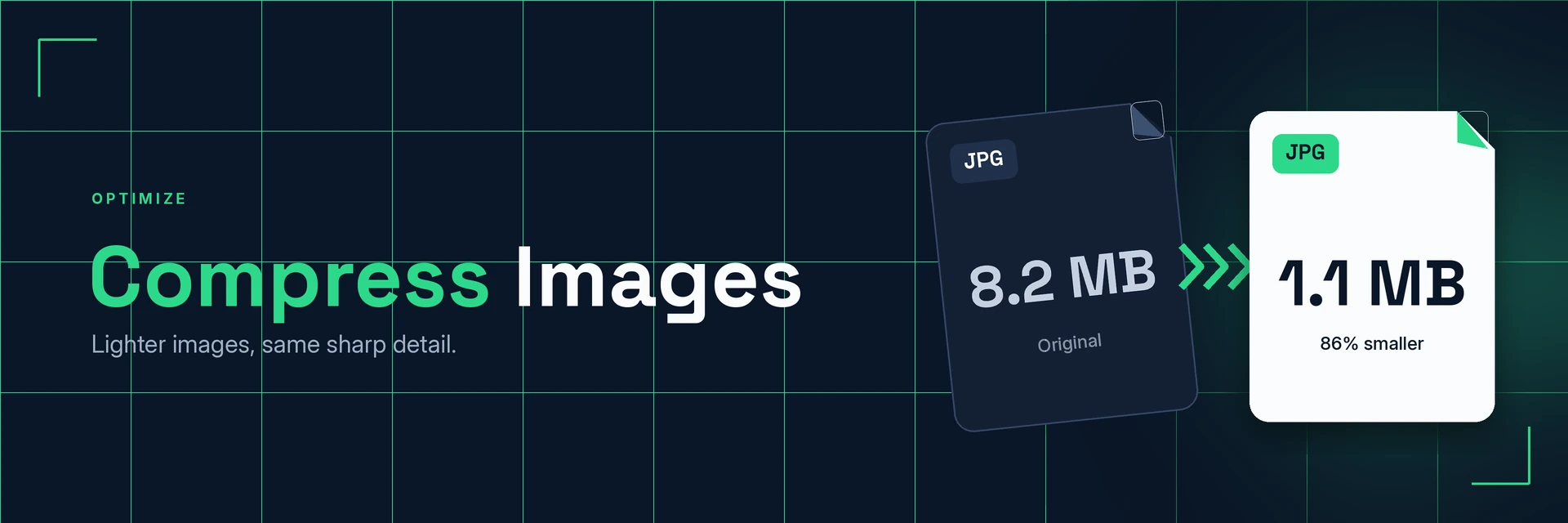
Image compression reduces the file size of a picture by removing data it doesn't need and storing the rest more efficiently. The image keeps its dimensions and looks much the same, but the file is lighter to store and share.
What you can do with Compress Images
Practical ways to use your smaller images.
1. Send photos by email and chat
Shrink holiday snaps, product shots and scans so they attach and send without fuss.
- Attach more images to one email
- Share photos in messaging apps
- Send scanned receipts as images
2. Optimise images for your website
Smaller images help your pages stay light for visitors on any connection.
- Prepare product photos for an online shop
- Lighten blog and news images
- Need a web format? Convert to WebP
3. Free up storage space
Keep photo libraries and shared folders under control.
- Shrink large camera photos for archiving
- Make shared drives easier to manage
- Compress PDFs in the same folder
4. Get images ready for documents
Add lighter images to reports, slides and PDFs so the finished file stays manageable.
- Insert images into Word or slides
- Keep image-heavy files smaller
- Turn images into a PDF afterwards
Why King Docs
One place for every document.
Works in your browser
Use King Docs from any device with a web browser. There's nothing to download or install.
Every document tool in one place
Convert, compress, merge, split, sign and transcribe PDFs, images, audio and video without switching sites.
Free to start, with paid plans
Try the tools for free, then choose a paid plan when you need more.
Compress Images FAQs
How do I compress images?
Add your images to the King Docs Compress Images tool, start the compression, then download your smaller files. The online tool on this page is coming soon.
Is the image compressor free?
King Docs is free to start, with paid plans for more.
Do I need to install any software?
No. King Docs runs in your web browser, so there is nothing to download or install.
Will compressing an image lower its quality?
Compression makes files smaller by removing detail you are unlikely to notice. Very strong compression can make some images look softer, so check the result before you use it.
Which image formats can I compress?
Compress Images works with common formats such as JPG and PNG. To change the format instead, use PNG to JPG or JPG to WebP.
Related tools
More ways to work with images and files.
Ready to compress your images?
Make your images smaller in a few clicks, then explore the rest of the King Docs toolkit.