
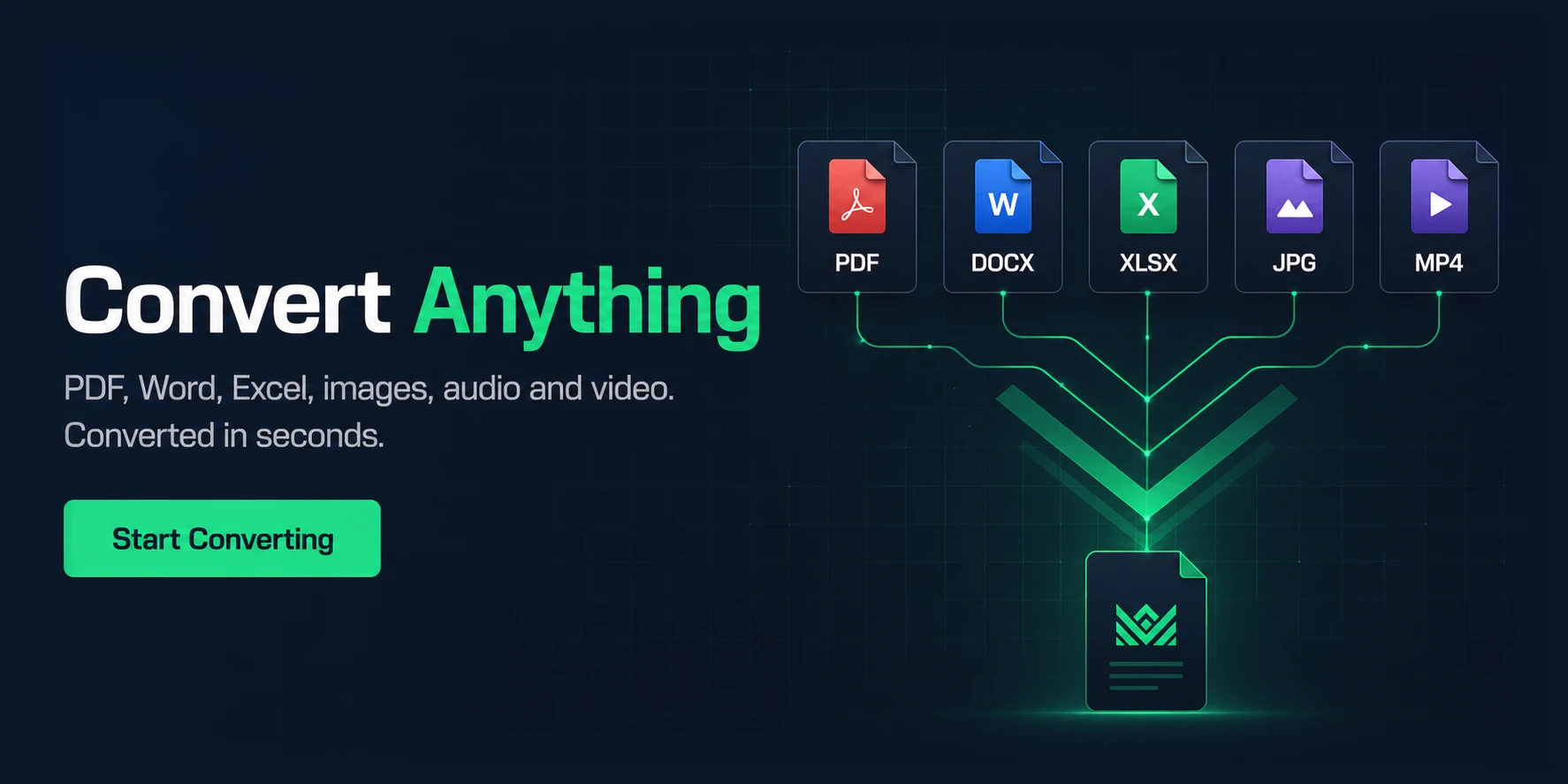
One place for every document.
Online PDF & File Tools
King Documents (King Docs) is an online toolkit for converting, compressing, merging, signing and editing PDFs, images, audio and video in your browser, with no software to install. It’s free to start, with paid plans for more.
- Free to start
- No software to install
- Works in your browser
Convert
File Conversion Services
Turn PDFs into editable files and images — and back again.
- PDF→DOCOpen tool →
PDF to Word
Convert PDFs into fully editable Word documents while preserving the original formatting.
- PDF→JPGOpen tool →
PDF to JPG
Turn PDF pages into high-quality JPG images — ideal for sharing or embedding single pages.
- PDF→PNGOpen tool →
PDF to PNG
Export PDF pages as crisp PNG images, perfect for sharp graphics and screenshots.
- PDF→XLSOpen tool →
PDF to Excel
Extract tables and data from PDFs straight into Excel spreadsheets — no manual data entry.
- PDF→PPTOpen tool →
PDF to PPTX
Convert PDFs into PowerPoint presentations with editable slides.
- PDF→HTMLOpen tool →
PDF to HTML
Turn PDFs into web-friendly HTML files that keep their structure online.
- DOC→PDFOpen tool →
Word to PDF
Create professional, shareable PDFs from Word documents with formatting intact.
- JPG→PDFOpen tool →
JPG to PDF
Combine multiple JPG images into a single, compact PDF file.
- PNG→PDFOpen tool →
PNG to PDF
Turn PNG images into a tidy PDF that’s easy to organise and share.
- XLS→PDFOpen tool →
Excel to PDF
Convert spreadsheets into polished PDFs for easy sharing and printing.
- PPT→PDFOpen tool →
PPTX to PDF
Save PowerPoint presentations as PDFs anyone can view — no presentation software needed.
- HTML→PDFOpen tool →
HTML to PDF
Convert web pages into printable PDFs that preserve the original layout and design.
Organise & edit
PDF Management Tools
Merge, split, sign and fine-tune your PDFs in a few clicks.
- Open tool →
Merge PDF
Combine multiple PDF files into one seamless document — great for reports and contracts.
- Open tool →
Split PDF
Separate a large PDF into smaller files, or extract specific pages and sections.
- Open tool →
Compress PDF
Reduce PDF file size without sacrificing quality — perfect for email and uploads.
- Open tool →
Sign PDF
Add your digital signature to PDF documents securely. No printing or scanning.
- Open tool →
Crop PDF
Adjust margins or trim unwanted areas of your pages for a cleaner, professional look.
- Open tool →
Fill PDF
Fill out forms and documents directly in PDF format — no handwriting required.
- Open tool →
OCR PDF
Extract text from scanned PDFs and images, making them searchable and editable.
- Open tool →
Translate PDF
Translate your PDF into multiple languages while keeping the original layout.
- Open tool →
Remove Watermark
Remove unwanted watermarks from your PDF files without damaging the content.
- Open tool →
Unlock PDF
Remove password protection from PDFs so they open without restrictions.
Images
Image Tools
Convert, compress and improve your images.
- WEBP→JPGOpen tool →
WebP to JPG/PNG
Convert WebP images into standard JPG or PNG formats for broader compatibility.
- JPG→WEBPOpen tool →
JPG to WebP
Convert JPG images to WebP to cut file size without compromising quality.
- JPG→PNGOpen tool →
JPG to PNG
Convert JPG photos into PNG files for lossless editing and sharp graphics.
- PNG→JPGOpen tool →
PNG to JPG
Convert PNG images into lightweight JPG files that are easy to share.
- Open tool →
Compress Images
Reduce image file size while retaining high quality — faster uploads, less storage.
- Open tool →
Enhance Image
Improve image quality by adjusting brightness, sharpness and more.
- Open tool →
Merge Images
Combine multiple images into one cohesive file — great for collages.
Audio, video & more
Other Tools
Media, transcription and everyday utilities.
- Open tool →
Convert to Audio
Transform text-based content into audio files for podcasts, audiobooks or accessibility.
- Open tool →
Text to Speech
Convert written text into natural-sounding speech for voiceovers or accessibility.
- Open tool →
Convert to Video
Turn static images or slides into engaging video presentations.
- Open tool →
Compress Video
Shrink video file sizes without compromising quality. Share faster, store less.
- Open tool →
Transcribe Audio to Text
Convert audio recordings into accurate text transcripts — ideal for meetings and lectures.
- Open tool →
Transcribe Video to Text
Extract spoken content from videos as text for subtitles or summaries.
- Open tool →
Transcribe YouTube Video
Generate text transcripts directly from YouTube videos.
- Open tool →
Generate QR Code
Create custom QR codes for URLs, text or other data and share information instantly.
FAQ
Frequently asked questions
What is King Documents?
King Documents (King Docs) is an online toolkit for converting, compressing, merging, signing and editing PDFs, images, audio and video in your browser. It brings 37 file tools together in one place.
Is King Documents free?
You can start using King Documents for free. Paid plans are available if you need more.
Which file formats can I convert?
You can convert PDFs to and from Word, Excel, PowerPoint (PPTX), HTML, JPG and PNG. The image converters also cover WebP to JPG/PNG, JPG to WebP, JPG to PNG and PNG to JPG.
Do I need to install any software?
No. King Documents tools run online in your web browser, so there is nothing to download or install.
Can I merge, split or compress PDFs?
Yes. Use Merge PDF, Split PDF and Compress PDF, plus Sign PDF, Crop PDF, Fill PDF, OCR PDF, Translate PDF, Unlock PDF and Remove Watermark for everyday PDF tasks.
Can I convert audio or video to text?
Yes. Transcribe Audio to Text, Transcribe Video to Text and Transcribe YouTube Video turn spoken content into text, and Text to Speech converts written text into audio.
How do I get started?
Choose a tool from the list above, open its page and add your file. Each tool has its own page on kingdocuments.com.
One place for every document.
Ready to get it done?
Explore these tools and more to streamline your workflow. King Documents is here to make your digital tasks easier than ever.
Start Converting →