
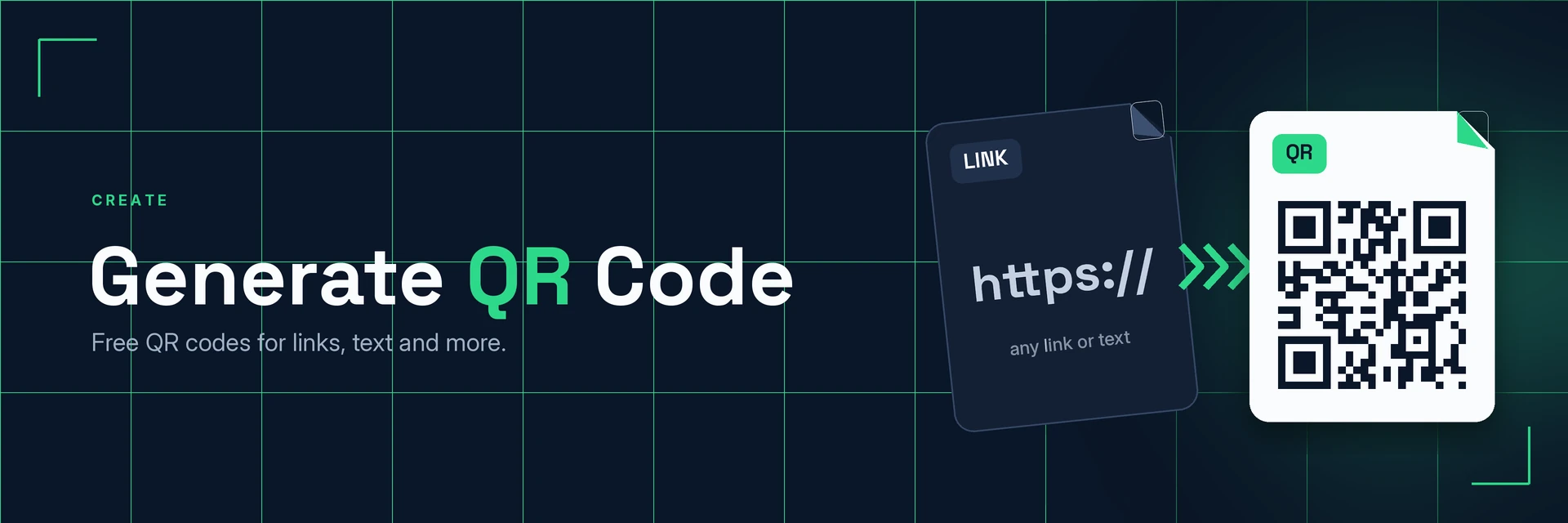
QR Code Generator
King Docs creates a QR code from a link, text, contact details or Wi-Fi details that people can scan with a phone camera, ready to download, print or share. It works in your browser with no software to install. It's free to start, with paid plans for more.
- Free to start
- No software to install
- Works in your browser
Online tool coming soon
This tool isn't available on the site yet.
Why use a QR code?
Typing a long web address on a phone is fiddly. Here's what changes when people can just scan.
From paper to phone in one scan
A QR code connects printed material to online content with a single scan.
- No typing. People reach your page without entering a long address.
- Works with phone cameras. Most modern phones read QR codes with the built-in camera.
- Print or share. Put codes on posters, packaging, menus and slides.
What is a QR code?
A QR code is a square barcode that stores information such as a web address or a short piece of text. When someone points their phone camera at it, the phone reads the code and offers to open the link or show the content.
What you can do with Generate QR Code
Practical ways to use your QR codes.
1. Link print to your website
Send people from paper to the right page.
- Flyers, posters and leaflets
- Business cards and brochures
- Product packaging and labels
2. Share Wi-Fi and contact details
Let guests join your network or save your details in one scan.
- Wi-Fi codes for offices, cafés and holiday lets
- Contact cards for events
- Combine your code with other images
3. Add QR codes to documents
Link handouts and reports to extra resources.
- Put codes on PDFs, reports and handouts
- Link slides to extra reading
- Turn the code image into a PDF
4. Make menus and events easier
Point people to the details they need.
- Menus and price lists
- Event schedules and ticket pages
- Feedback and sign-up forms
Why King Docs
One place for every document.
Works in your browser
Use King Docs from any device with a web browser. There's nothing to download or install.
Every document tool in one place
Convert, compress, merge, split, sign and transcribe PDFs, images, audio and video without switching sites.
Free to start, with paid plans
Try the tools for free, then choose a paid plan when you need more.
Generate QR Code FAQs
How do I generate a QR code?
Enter your link or text in the King Docs Generate QR Code tool, create the code, then download it ready to print or share. The online tool on this page is coming soon.
Is the QR code generator free?
King Docs is free to start, with paid plans for more.
Do I need to install any software?
No. King Docs runs in your web browser, so there is nothing to download or install.
What can a QR code link to?
A QR code can hold a web address, plain text, contact details or Wi-Fi details. Scan it with your own phone before you print it.
Can I customise my QR code?
You can keep a classic black-and-white design or choose colours and add a logo. Keep strong contrast so phones can still scan it.
Related tools
More ways to work with images and documents.
Ready to generate your QR code?
Create a QR code in a few clicks, then explore the rest of the King Docs toolkit.