
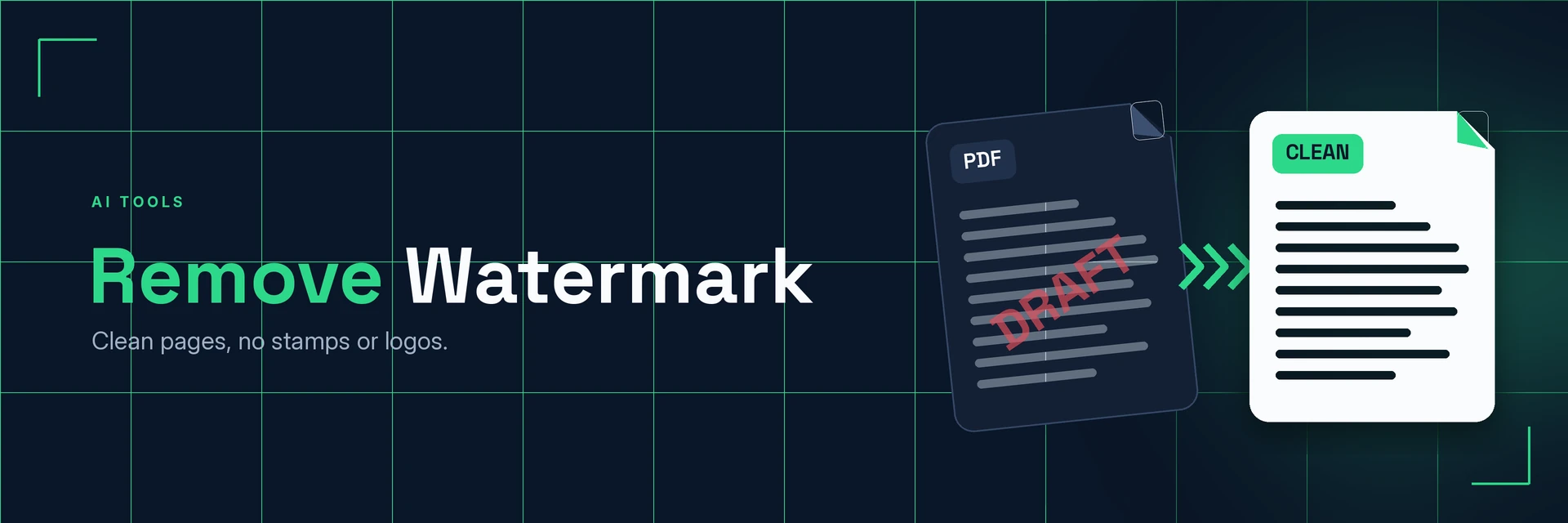
Watermark Remover
King Docs removes text, logo and image watermarks from documents you own or have permission to edit, so approved drafts and your own templates look clean and ready to use. It works in your browser with no software to install. It's free to start, with paid plans for more.
- Free to start
- No software to install
- Works in your browser
Online tool coming soon
This tool isn't available on the site yet.
Why remove a watermark?
Marks like DRAFT or SAMPLE can linger long after they are needed. Here's what changes when they are gone.
Clean pages for final use
Remove marks that no longer apply, so your own documents look finished.
- Final versions. Clear DRAFT stamps once a document is approved.
- Reuse templates. Remove old logos from templates your organisation owns.
- Better prints. Pages print and present without distracting marks.
What is watermark removal?
A watermark is text or an image placed over or behind a page, such as DRAFT or a company logo. Watermark removal takes that mark away and leaves the rest of the page as it was. Only use it on files you own or have permission to edit.
What you can do with Remove Watermark
Practical ways to use Remove Watermark on your own files.
1. Finalise approved drafts
Turn a marked-up draft into a clean final copy.
- Remove DRAFT stamps after sign-off
- Prepare the version for printing
- Send a clean copy to colleagues
2. Refresh your own templates
Update letterheads and forms after a rebrand.
- Remove an old company logo
- Clear outdated marks from forms
- Fill in the refreshed form
3. Tidy your own scanned paperwork
Clean up your scans before you share or archive them.
- Remove marks added by scanning apps
- Prepare pages for OCR
- Keep archive copies tidy
4. Finish the document
Once the watermark is gone, finish the job with other tools.
- Sign the final version
- Make the file smaller for email
- Crop pages to a tidy size
Why King Docs
One place for every document.
Works in your browser
Use King Docs from any device with a web browser. There's nothing to download or install.
Every document tool in one place
Convert, compress, merge, split, sign and transcribe PDFs, images, audio and video without switching sites.
Free to start, with paid plans
Try the tools for free, then choose a paid plan when you need more.
Remove Watermark FAQs
How do I remove a watermark?
Add your document to the King Docs Remove Watermark tool, start the removal, then download your clean file. The online tool on this page is coming soon.
Is Remove Watermark free?
King Docs is free to start, with paid plans for more.
Can I remove a watermark from any file?
Only use Remove Watermark on files you own or have permission to edit. Watermarks often show who owns a document or image, so removing them from someone else's work without permission may breach copyright or licence terms.
Do I need to install any software?
No. King Docs runs in your web browser, so there is nothing to download or install.
Will removing a watermark affect the rest of the page?
The aim is to remove only the watermark and keep everything else in place. Results depend on how the watermark was added, so check the file before you use it.
Related tools
More ways to work with PDFs and images.
Ready to remove a watermark?
Clean up documents you own in a few clicks, then explore the rest of the King Docs toolkit.