
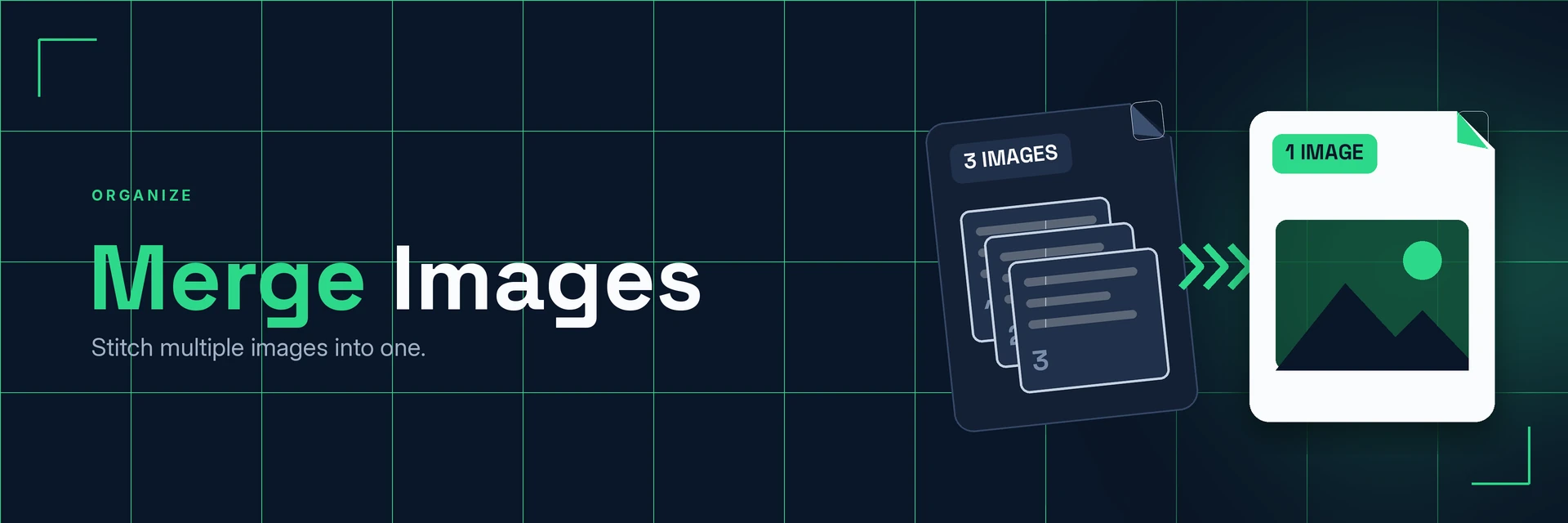
Merge Images Online
King Docs merges several images into one picture, so you can line up photos side by side, stack screenshots or build a simple collage, right in your browser with no software to install. It's free to start, with paid plans for more.
- Free to start
- No software to install
- Works in your browser
Drop your images here
or choose files from your device
Online tool coming soon
Why merge images?
One image is easier to share and use than a handful. Here's what changes when you combine them.
One file instead of many
Combining pictures keeps related images together, so nothing gets lost or out of order.
- Easy to share. Send one image instead of a long list of attachments.
- Tells the story. Show steps, comparisons or before-and-after shots in one view.
- Simple to use. One merged image fits neatly into a slide, post or document.
What is image merging?
Image merging places two or more pictures onto a single canvas, side by side or stacked, and saves the result as one image file.
What you can do with Merge Images
Practical ways to use your merged images.
1. Show before and after
Put two versions side by side so the difference is obvious.
- Compare edits, renovations or designs
- Show product variations
- Share progress shots
2. Stitch screenshots together
Combine several screenshots into one image that is easy to follow.
- Explain a process step by step
- Capture a long conversation or page
- Keep the merged file small
3. Make simple collages
Group photos from an event, trip or project.
- Create a photo strip for social media
- Combine product shots for a listing
- Brighten photos before you merge
4. Turn images into documents
Need several pages instead of one picture? Make a PDF.
- Combine scans into a single PDF
- Keep receipts together for expenses
- Add each image as its own page
Why King Docs
One place for every document.
Works in your browser
Use King Docs from any device with a web browser. There's nothing to download or install.
Every document tool in one place
Convert, compress, merge, split, sign and transcribe PDFs, images, audio and video without switching sites.
Free to start, with paid plans
Try the tools for free, then choose a paid plan when you need more.
Merge Images FAQs
How do I merge images?
Add your images to the King Docs Merge Images tool, arrange them in the order you want, then download the merged image. The online tool on this page is coming soon.
Is Merge Images free?
King Docs is free to start, with paid plans for more.
Do I need to install any software?
No. King Docs runs in your web browser, so there is nothing to download or install.
Which image formats can I merge?
Merge Images works with common formats such as JPG and PNG.
Can I merge images into a PDF instead?
Yes. Use JPG to PDF or PNG to PDF to combine images into one PDF with a page for each image.
Related tools
More ways to work with images and files.
Ready to merge your images?
Combine your pictures into one image in a few clicks, then explore the rest of the King Docs toolkit.