
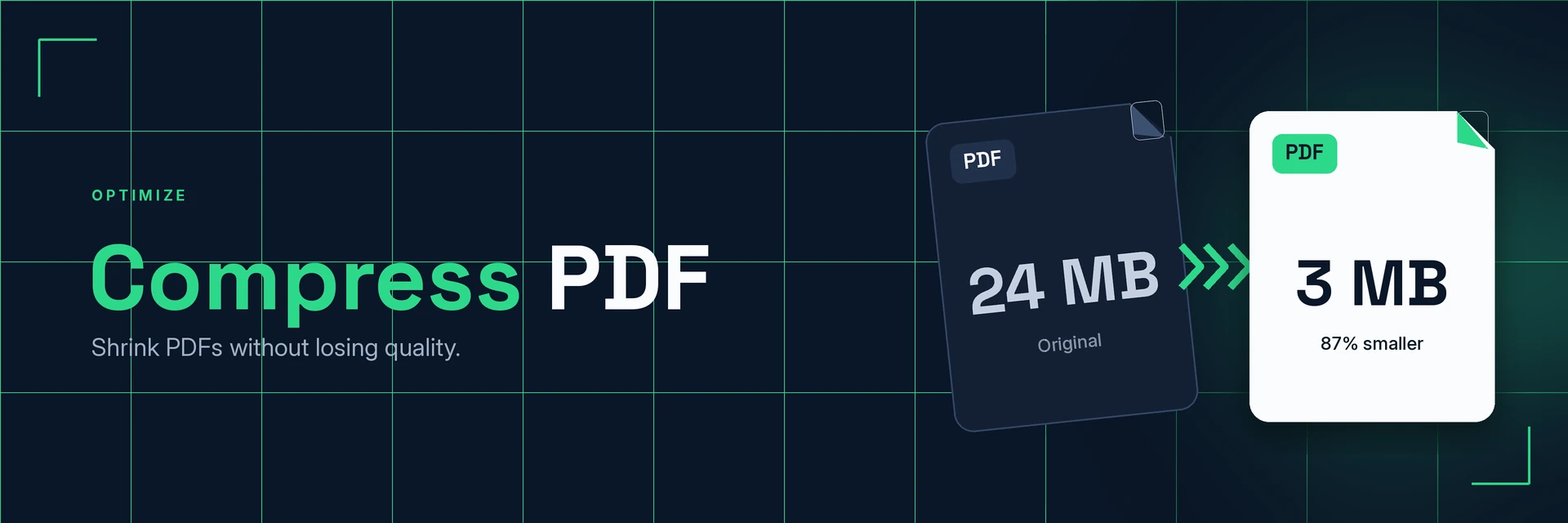
Compress PDF Files
King Docs reduces the file size of a PDF, right in your browser with no software to install. Smaller PDFs are easier to email, upload and store. It's free to start, with paid plans for more.
- Free to start
- No software to install
- Works in your browser
Drop your PDF here
or choose a file from your device
Online converter coming soon
Why compress a PDF?
Large PDFs can be slow to upload, hard to email and quick to fill up storage. Compressing makes them easier to handle.
Smaller files, same document
A compressed PDF is still a normal PDF with the same pages, just with a smaller file size.
- Easier to email. Fit documents within attachment limits more often.
- Quicker to upload. Smaller files move faster on slow connections.
- Less storage. Keep more documents in the same space.
What is PDF compression?
PDF compression reduces the size of a PDF file, mainly by optimising the images and data inside it. How much smaller the file gets depends on the content: image-heavy PDFs usually shrink the most, while text-only files are often small already.
What you can do with Compress PDF
Everyday situations where a smaller PDF helps.
1. Email large documents
Shrink PDFs so they are easier to attach and send.
- Send reports and brochures by email
- Attach scanned documents
- Share files on slower connections
2. Meet upload limits on forms and portals
Many application forms and portals cap the size of uploads.
- Upload job and visa applications
- Submit coursework and documents
- Attach files to support tickets
3. Shrink scans and photo-heavy PDFs
PDFs made from scans and photos usually have the most to gain.
- Compress scanned paperwork
- Reduce PDFs built from phone photos
- Compress images before converting
4. Merge, then compress
Combining documents can create a large file. Compress it afterwards.
- Merge related documents first
- Compress the combined file
- Check the result is still clear
Why King Docs
One place for every document.
Works in your browser
Use King Docs from any device with a web browser. There's nothing to download or install.
Every document tool in one place
Convert, compress, merge, split, sign and transcribe PDFs, images, audio and video without switching sites.
Free to start, with paid plans
Try the tools for free, then choose a paid plan when you need more.
Compress PDF FAQs
How do I compress a PDF?
Add your PDF to the King Docs Compress PDF tool, start compressing, then download your smaller PDF. The online converter on this page is coming soon.
Is the Compress PDF tool free?
King Docs is free to start, with paid plans for more.
Do I need to install any software?
No. King Docs runs in your web browser, so there is nothing to download or install.
How much smaller will my PDF get?
It depends on what is in the file. PDFs with lots of images or scans usually shrink the most. Files that are mostly text are often small already, so they may change less.
Will compression affect quality?
Compression can reduce image detail slightly to save space. Text usually stays clear, but it is worth checking images in the compressed file before you send it.
Can I compress images too?
Yes. Use the Compress Images tool to reduce the size of your image files.
Related tools
More ways to organise and manage PDFs.
Ready to compress your PDF?
Make your PDF smaller and easier to share, then explore the rest of the King Docs toolkit.