
Video Compressor
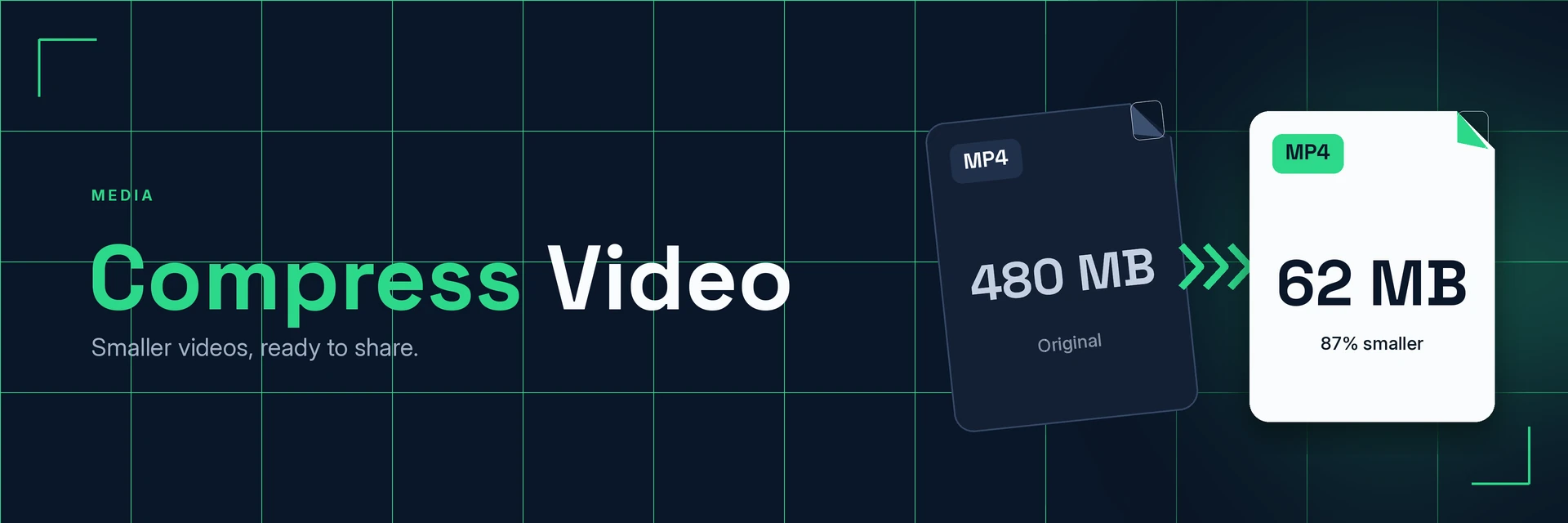
King Docs compresses video files such as MP4, MOV and AVI into smaller files, so they are easier to upload, send and store, right in your browser with no software to install. It's free to start, with paid plans for more.
- Free to start
- No software to install
- Works in your browser
Drop your video here
or choose a file from your device
Online tool coming soon
Why compress video?
Video files grow large quickly. Here's what changes when you make them smaller.
Videos that are easier to move around
Smaller video files take up less space and are easier to upload, attach and share across apps.
- Easier to share. Send clips through email and messaging apps that cap file sizes.
- Lighter uploads. Smaller files are easier to upload to websites and cloud storage.
- Less storage used. Keep more recordings on your phone, laptop or drive.
What is video compression?
Video compression reduces a video's file size by encoding it more efficiently and trimming data you are unlikely to notice. The video plays as before, with a lighter file that is easier to store and share.
What you can do with Compress Video
Practical ways to use your smaller videos.
1. Share clips by email and chat
Send recordings to colleagues, friends or clients without oversized attachments.
- Send screen recordings and demos
- Share family videos in messaging apps
- Attach short clips to emails
2. Upload to social media and websites
Lighter files are easier to post and embed.
- Prepare clips for social posts
- Add product or how-to videos to a website
- Make slideshow videos lighter too
3. Archive recordings without filling your drive
Keep meetings, lectures and events without running out of space.
- Store meeting and webinar recordings
- Keep lecture captures for later
- Keep a written transcript alongside
4. Keep whole projects light
Video is often only part of the job. Make the rest of your files smaller too.
- Shrink photos from the same shoot
- Make PDF reports and handouts smaller
- Keep shared project folders tidy
Why King Docs
One place for every document.
Works in your browser
Use King Docs from any device with a web browser. There's nothing to download or install.
Every document tool in one place
Convert, compress, merge, split, sign and transcribe PDFs, images, audio and video without switching sites.
Free to start, with paid plans
Try the tools for free, then choose a paid plan when you need more.
Compress Video FAQs
How do I compress a video?
Add your video to the King Docs Compress Video tool, start the compression, then download your smaller file. The online tool on this page is coming soon.
Is the video compressor free?
King Docs is free to start, with paid plans for more.
Do I need to install any software?
No. King Docs runs in your web browser, so there is nothing to download or install.
Will compressing a video lower its quality?
Compression always balances file size against detail. Light compression usually looks much the same, while very strong compression can soften the picture, so check the result before you share it.
Which video formats can I compress?
Compress Video works with common formats such as MP4, MOV and AVI. To get the words out of a video instead, use Transcribe Video to Text.
Related tools
More ways to work with video, audio and files.
Ready to compress your video?
Make your video files smaller in a few clicks, then explore the rest of the King Docs toolkit.