
PDF Translator
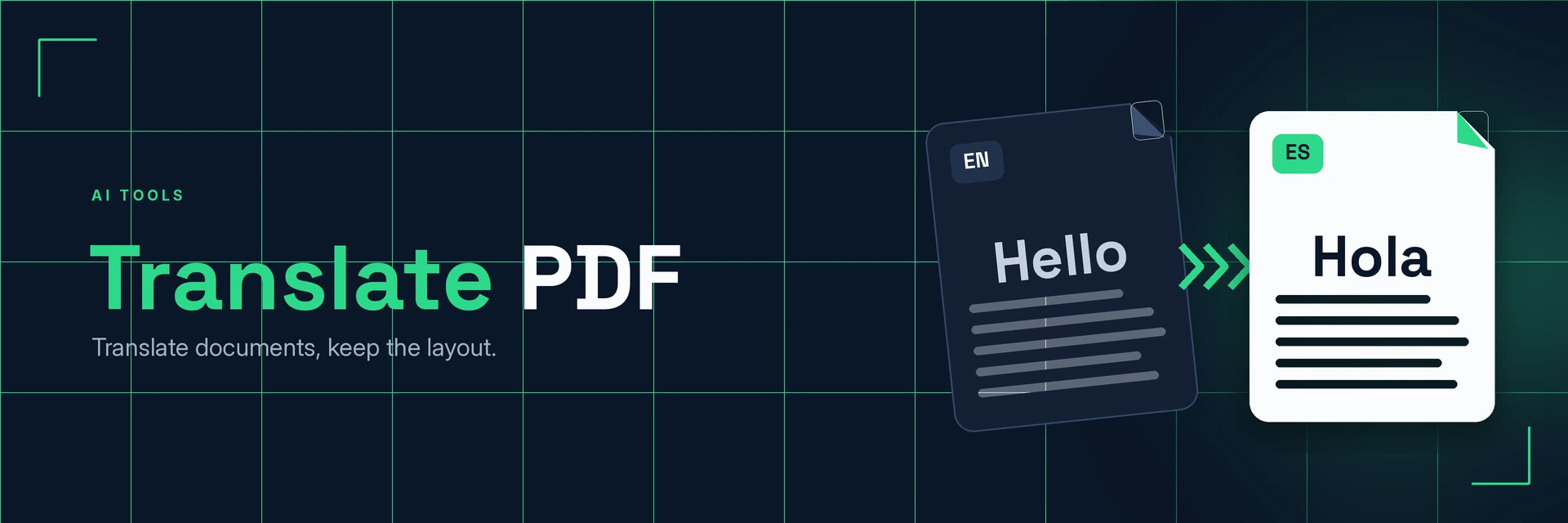
King Docs translates the text in your PDF into another language, following the original document so the translated copy is ready to read and share. It works in your browser with no software to install. It's free to start, with paid plans for more.
- Free to start
- No software to install
- Works in your browser
Online converter coming soon
Uploads for this tool aren't available yet.
Why translate a PDF?
Sharing across languages shouldn't mean rebuilding your document. Here's what changes when you translate the PDF itself.
Your content, in their language
Translate the whole document rather than copying and pasting it piece by piece.
- Reach more people. Share reports, guides and notices with readers in other languages.
- Start from the original. Work from the PDF you have instead of rebuilding it in another app.
- Understand what you receive. Read documents sent to you in a language you don't speak.
What is PDF translation?
PDF translation takes the text in a PDF, translates it into the language you choose and puts it back into the document, so you get a translated copy that follows the original. Important legal, medical or official documents should still be checked by a qualified translator.
What you can do with Translate PDF
Practical ways to use your translated PDFs.
1. Share business documents abroad
Send reports, proposals and product sheets to international partners.
- Translate proposals and quotes
- Share product manuals and spec sheets
- Brief overseas teams
2. Read documents sent to you
Understand letters, forms and notices written in another language.
- Check letters from abroad
- Understand terms before you sign
- Scanned? Make the text readable first
3. Support study and research
Work with sources in languages you are still learning.
- Translate papers and handouts
- Compare the original and the translation
- Edit the translated text in Word
4. Work with spoken content too
Got a recording rather than a document? Get it as text first.
- Transcribe recordings to text
- Turn YouTube videos into transcripts
- Then translate the written version
Why King Docs
One place for every document.
Works in your browser
Use King Docs from any device with a web browser. There's nothing to download or install.
Every document tool in one place
Convert, compress, merge, split, sign and transcribe PDFs, images, audio and video without switching sites.
Free to start, with paid plans
Try the tools for free, then choose a paid plan when you need more.
Translate PDF FAQs
How do I translate a PDF?
Add your PDF to the King Docs Translate PDF tool, choose the language you want, then download your translated PDF. The online tool on this page is coming soon.
Is Translate PDF free?
King Docs is free to start, with paid plans for more.
Do I need to install any software?
No. King Docs runs in your web browser, so there is nothing to download or install.
Can I translate a scanned PDF?
A scanned PDF is an image of text, so make the text readable first with OCR PDF, then translate it.
Can I rely on it for legal or official documents?
For contracts, medical or official papers, use the translation as a guide and have a qualified translator check it before you rely on it.
Related tools
More ways to work with PDFs and text.
Ready to translate your PDF?
Get your document in another language in a few clicks, then explore the rest of the King Docs toolkit.