
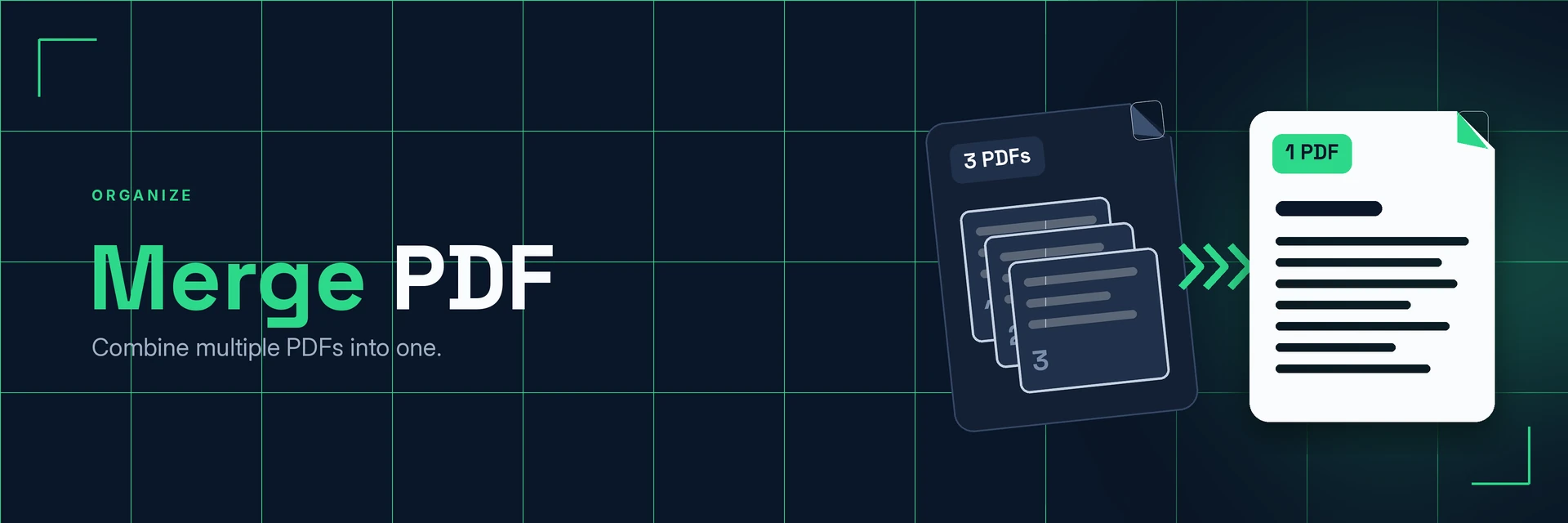
Merge PDF Files
King Docs combines several PDF files into a single PDF, right in your browser with no software to install. Send one tidy document instead of a string of attachments. It's free to start, with paid plans for more.
- Free to start
- No software to install
- Works in your browser
Drop your PDFs here
or choose files from your device
Online converter coming soon
Why merge PDF files?
Related documents are easier to send, read and keep when they're in one file.
One file instead of many
A single merged PDF opens like any other PDF, so readers get everything in one place.
- One attachment. Send a single file instead of several.
- Reads in order. Readers move through the documents page by page.
- Easier to file. Keep related paperwork together.
What is PDF merging?
Merging PDFs joins the pages of two or more PDF files into one new PDF document. The pages from each file follow one another, so separate documents become a single file you can share, print or store.
What you can do with Merge PDF
Everyday jobs that are easier with one PDF.
1. Put together applications and submissions
Many forms ask for a single upload. Merge your documents into one PDF.
- Combine a CV, cover letter and certificates
- Join forms and supporting documents
- Meet single-file upload requirements
2. Combine invoices, statements and receipts
Group financial paperwork into one file for a month, project or client.
- Send all invoices for a period at once
- Collect receipts for expenses
- Keep statements together for records
3. Assemble reports and proposals
Bring chapters, appendices and cover pages together as one document.
- Add a cover page and appendices
- Join sections written by different people
- Send one complete report
4. Tidy up the finished file
Once merged, shrink the file, remove pages you don't need or add a signature.
- Compress the merged PDF for email
- Split out pages you don't need
- Sign the final document
Why King Docs
One place for every document.
Works in your browser
Use King Docs from any device with a web browser. There's nothing to download or install.
Every document tool in one place
Convert, compress, merge, split, sign and transcribe PDFs, images, audio and video without switching sites.
Free to start, with paid plans
Try the tools for free, then choose a paid plan when you need more.
Merge PDF FAQs
How do I merge PDF files?
Add your PDF files to the King Docs Merge PDF tool, start merging, then download your combined PDF. The online converter on this page is coming soon.
Is the Merge PDF tool free?
King Docs is free to start, with paid plans for more.
Do I need to install any software?
No. King Docs runs in your web browser, so there is nothing to download or install.
Can I merge Word documents or images with PDFs?
Convert them to PDF first with Word to PDF or JPG to PDF, then merge the PDFs into one file.
Can I separate a merged PDF again?
Yes. Use the Split PDF tool to pull pages or sections out into separate PDF files.
Related tools
More ways to organise and manage PDFs.
Ready to merge your PDF files?
Combine your PDFs into one tidy document, then explore the rest of the King Docs toolkit.